
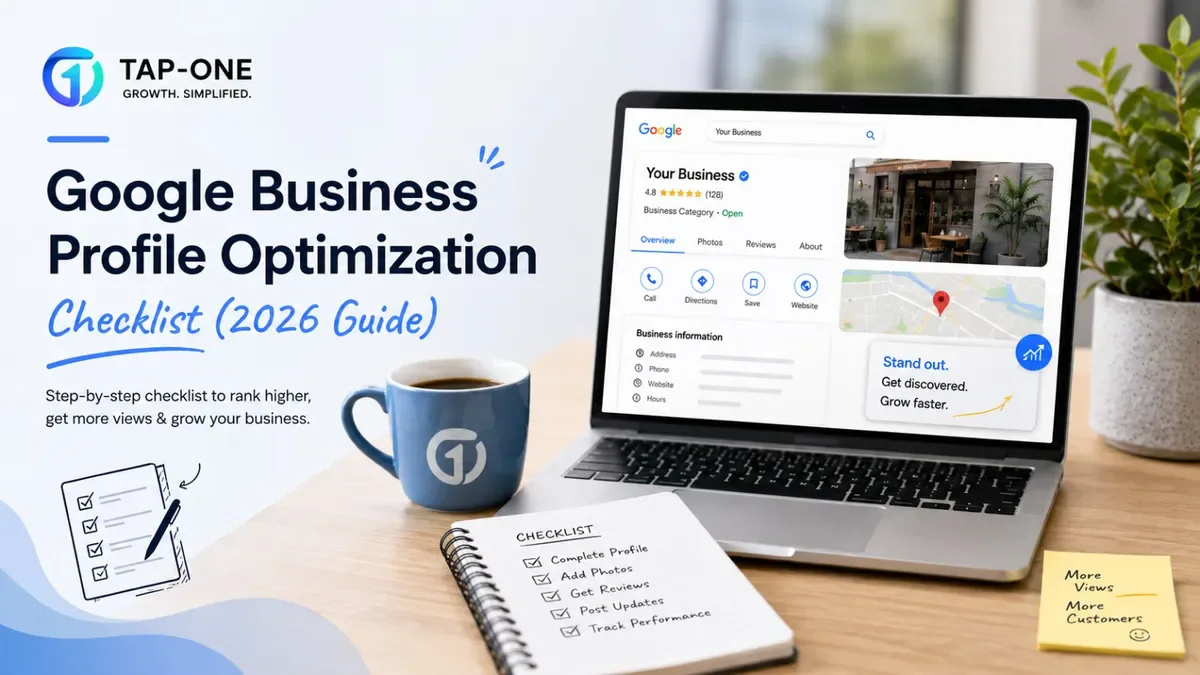
Why This Needs Ongoing Maintenance, Not a One-Time Setup
The businesses that lose map pack visibility over time almost never do anything dramatically wrong. They just stop touching the profile after the initial setup, and Google quietly treats that stillness as a signal.
A profile that gets a new photo, a reply to every review, and an update post every week reads as an active business. A profile that hasn't changed in eight months reads as dormant, even if the business itself is thriving offline.
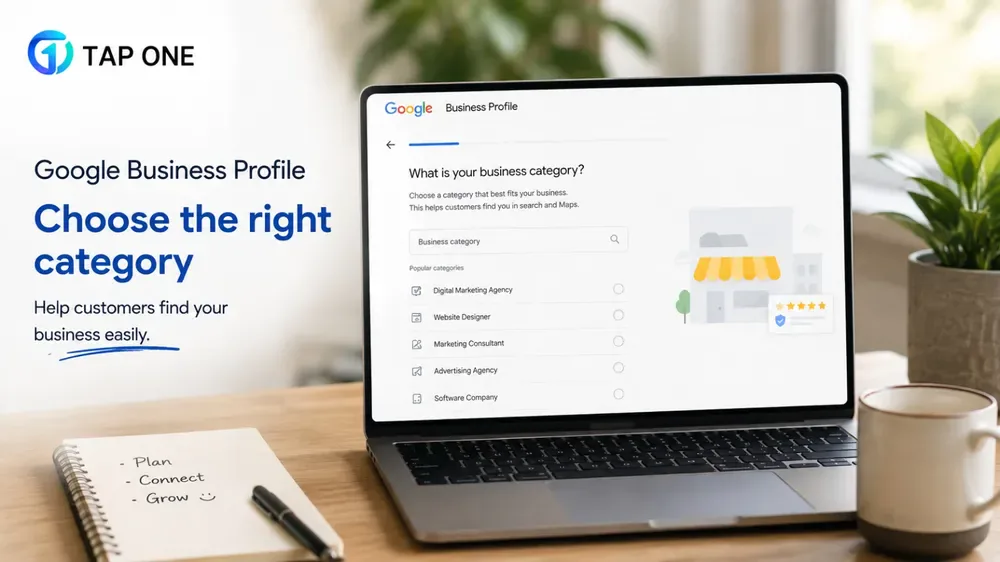
Category Choice Carries More Weight Than People Realize
Your primary category matters more than almost any other single field on the profile. Pick the narrowest thing that's still accurate, not the one that sounds most impressive.
A "family dentist" will outrank a generic "dentist" for searches that actually match that intent. Secondary categories add reach, but stacking five unrelated ones to appear in more searches backfires now; Google treats that as spammy behavior.
Worth checking what competitors are using too. If three of the top listings in your area share a category you're missing, that's a real signal, not a coincidence, and it's the kind of pattern BrightLocal (opens in new tab) tracks closely across categories.
Primary vs. Secondary Categories: How to Split Them
| Category Type | How Many | Rule of Thumb |
|---|---|---|
| Primary | 1 only | The single most accurate description of what you do |
| Secondary | 2–5 | Only add categories customers would genuinely search for |
| Avoid | Anything unrelated | Adding categories just to appear in more searches gets flagged |
Photos Age Faster Than People Think
Google treats a stale gallery as a real ranking signal, not just cosmetics. A profile that hasn't had a new photo in six months starts sliding down the map pack quietly, with no warning.
- Aim for one genuine new photo most weeks, food, workspace, team, doesn't need to be polished.
- A short video once a month showing the space or process helps too.
- Swap the cover photo seasonally for holidays or offers.
- Skip stock photography entirely; both customers and Google's own systems spot it instantly.
How You Respond to Reviews Matters as Much as Whether You Do
Everyone already knows to reply. What gets skipped is mentioning the actual service in that reply.
"Thanks for the review after your physiotherapy session" does more for relevance signals than a generic "thanks so much."
For a negative review, stay level, acknowledge the specific complaint, and take the rest offline. Arguing in public rarely helps, and future customers often read the response more carefully than the review itself.
The Services and Products Tabs Nobody Fills Out Properly
Most profiles leave these half-empty, which is a missed opportunity given how much weight they carry.
Fill in every service with a clear name, a price range where possible, and a description written the way a customer would actually search, not marketing copy. Do the same with Products.
This data directly feeds how Google matches long-tail, high-intent searches. A query like "root canal cost near me" pulls straight from what’s filled in here.
Posting Regularly Signals an Active Business
Profiles that post at least weekly get treated as active, and active profiles get a visibility edge over a dormant competitor offering the identical service.
- New offers or time-limited promotions
- Seasonal changes to the menu or service list
- Events happening at the location
- New stock or arrivals
The Groundwork That Sits Outside the Profile Itself
A Google Business Profile doesn't operate alone in the ranking system.
- NAP consistency, name, address, phone, needs to match exactly across the website, the profile, and every directory listing. Even "St." versus "Street" creates enough confusion to matter.
- Backlinks from legitimate local directories relevant to the city or niche.
- LocalBusiness schema on the website helps Google connect the site's data to the profile's data.
What "Optimized" Looks Like by Industry
The checklist above applies everywhere, but the emphasis shifts depending on the business.
- A restaurant should lean hardest on photos and the Products tab (menu items with prices), since customers decide largely on visuals.
- A clinic should prioritize the Services tab and review responses, since trust signals matter more than photos for medical decisions.
- A salon benefits most from weekly posts showing new styles or offers, since these categories reward visible activity.
- A retail store should keep the Products tab current with stock and pricing, since customers often check availability before visiting.
Common Setup Mistakes That Quietly Cap Your Visibility
- Using a business name stuffed with keywords, like "ABC Dental Clinic Best Dentist Jaipur," which violates guidelines and risks suspension.
- Leaving the business description as the default auto-generated text instead of writing something specific.
- Not setting a service area for businesses that travel to customers rather than operate from a storefront.
- Ignoring the Q&A section, which anyone can post to, including competitors leaving misleading answers if left unmonitored.
- Forgetting to update holiday hours, which causes a spike in "closed when it should be open" complaints.
How Long Before You See Results
Fixing something obviously broken, a wrong category, missing hours, tends to shift visibility within days. Improvements that come from sustained activity, weekly posts, steady new reviews, fresh photos, usually take four to eight weeks to fully show in rankings.
Patience matters here. Owners who give up on the routine after two weeks because nothing changed yet are usually the same ones who see it working for a competitor six months later.
Bringing This Together With the Rest of Your Local Presence
A profile this well maintained works best when the website, reviews, and hardware touchpoints all reinforce each other rather than existing in isolation.